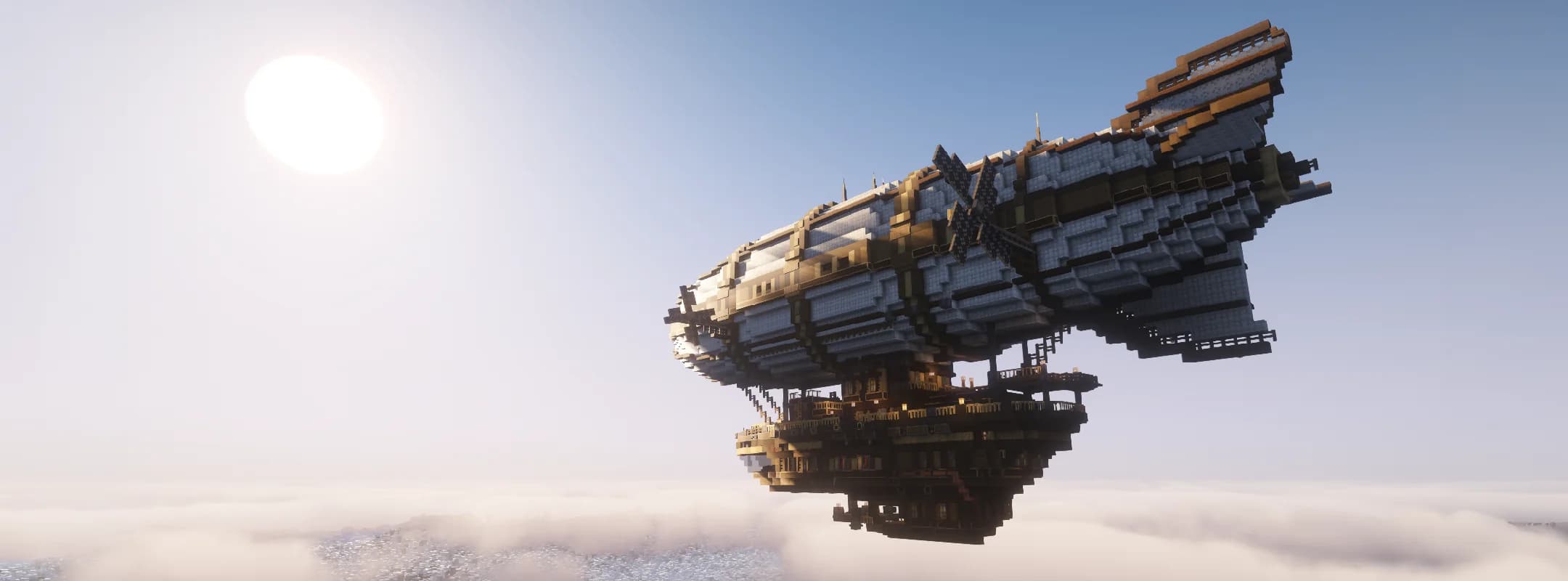
Create Aero Tofu

Physics-simulated airships, floating sky-islands over the void, and in-world computers to fly them. A heavily-patched Create pack built around one idea: earn your wings.
A Create pack that actually flies
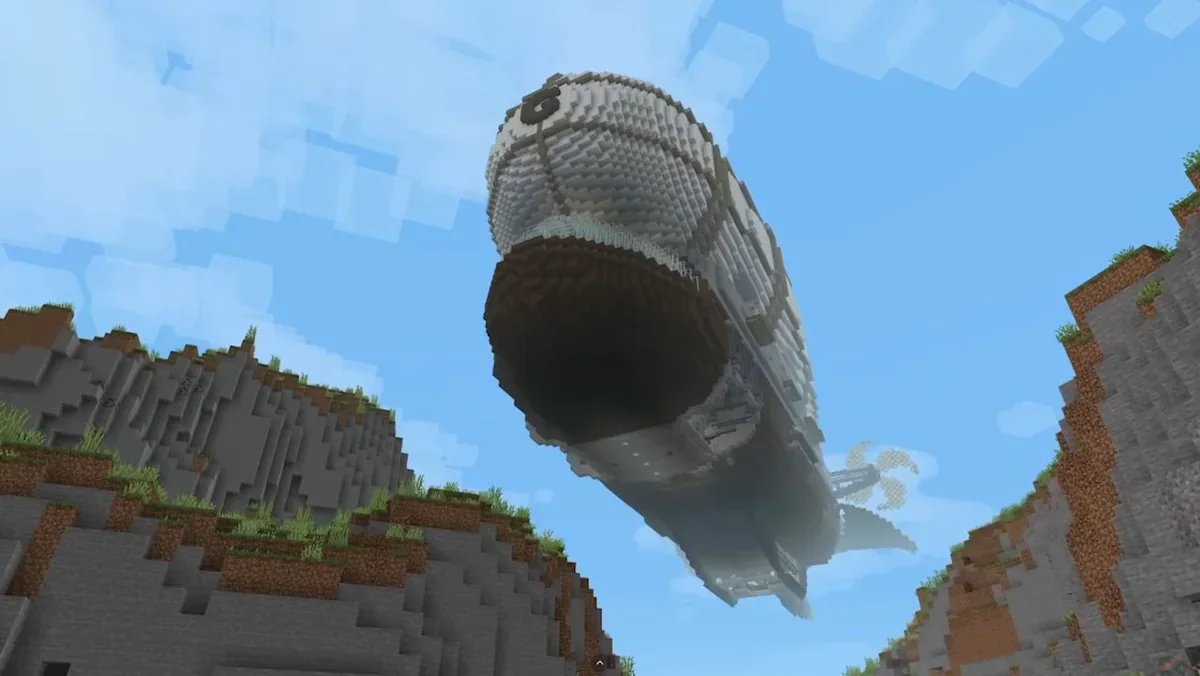
Aero Tofu is a NeoForge 1.21.1 pack built around Create and a bespoke, heavily-patched airship layer. You start stranded on a sky-island over the void — and the only way out is to build machines, lay rails, and eventually take flight. It's the pack we run on the Aeronautics server, tuned for a small whitelisted community.
What makes Aero Tofu itself
The load-bearing mods. Everything else hangs off these four.
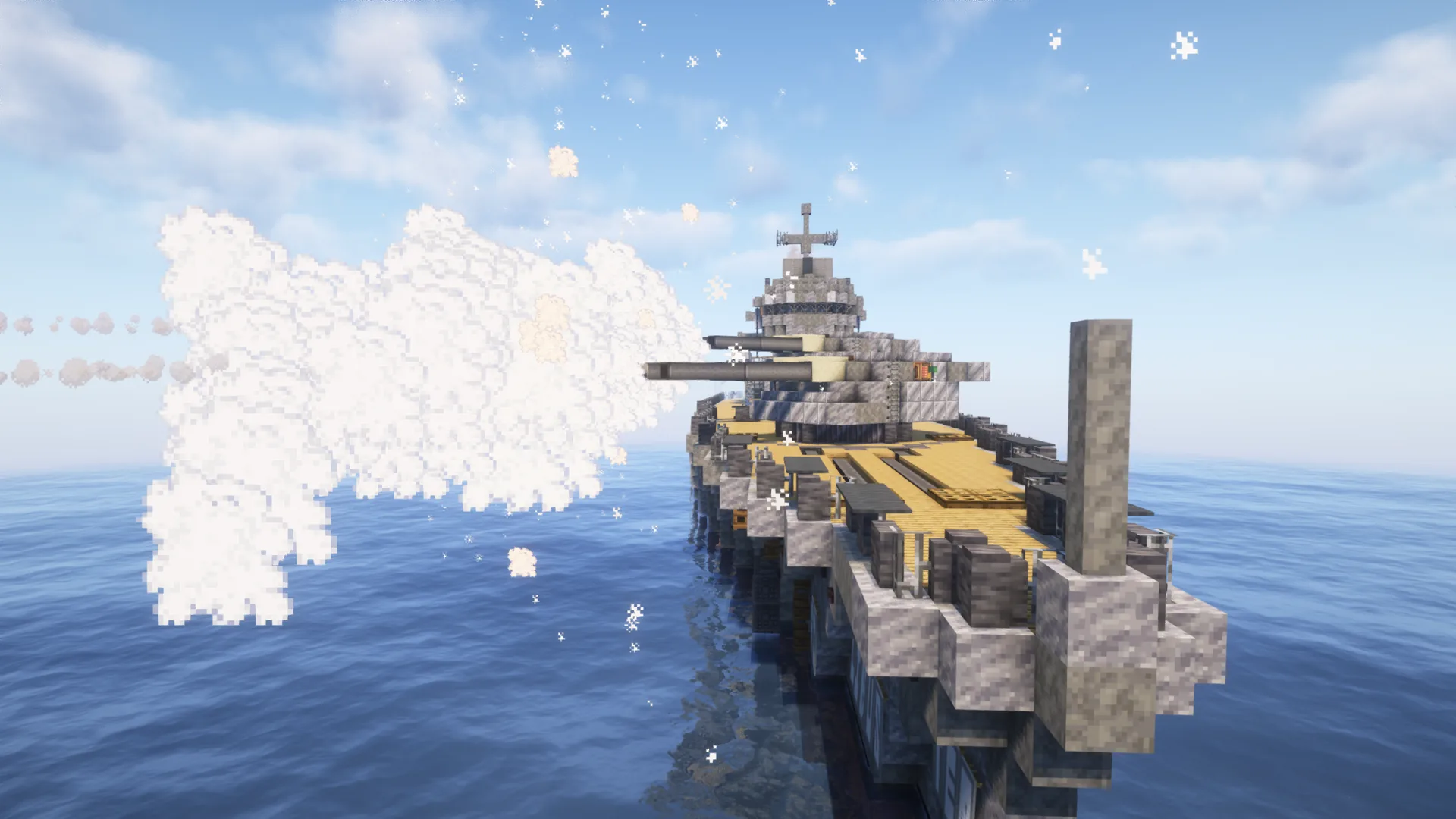
Physics Assembler
Locks a build into a Sable-simulated rigid body so it can move as one.
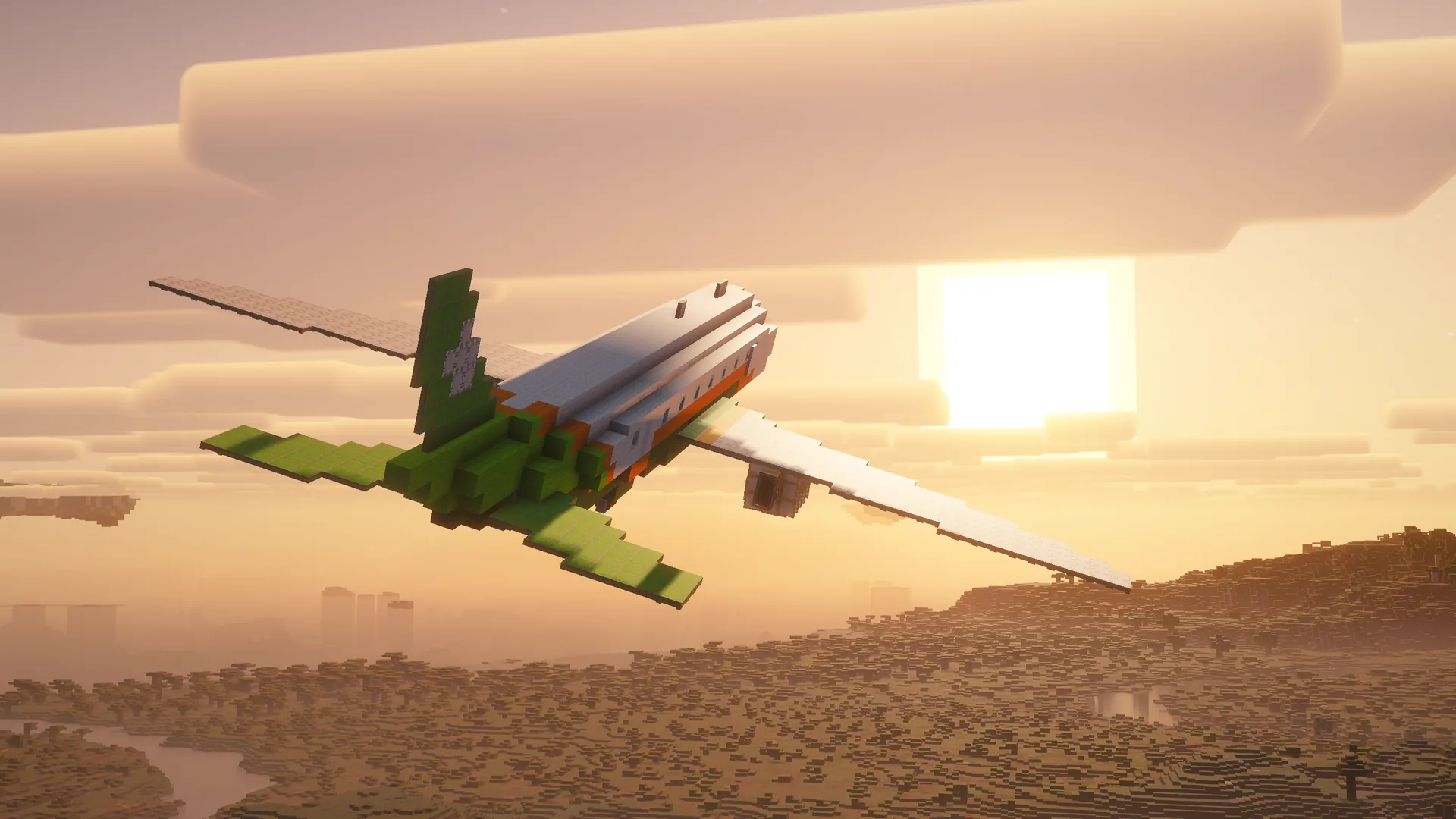
Build airships that actually fly
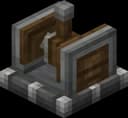
Sable simulates real block-structure physics; Create Aeronautics and Propulsion turn those structures into craft you pilot through the sky. This is the bespoke, heavily-patched heart of the pack.
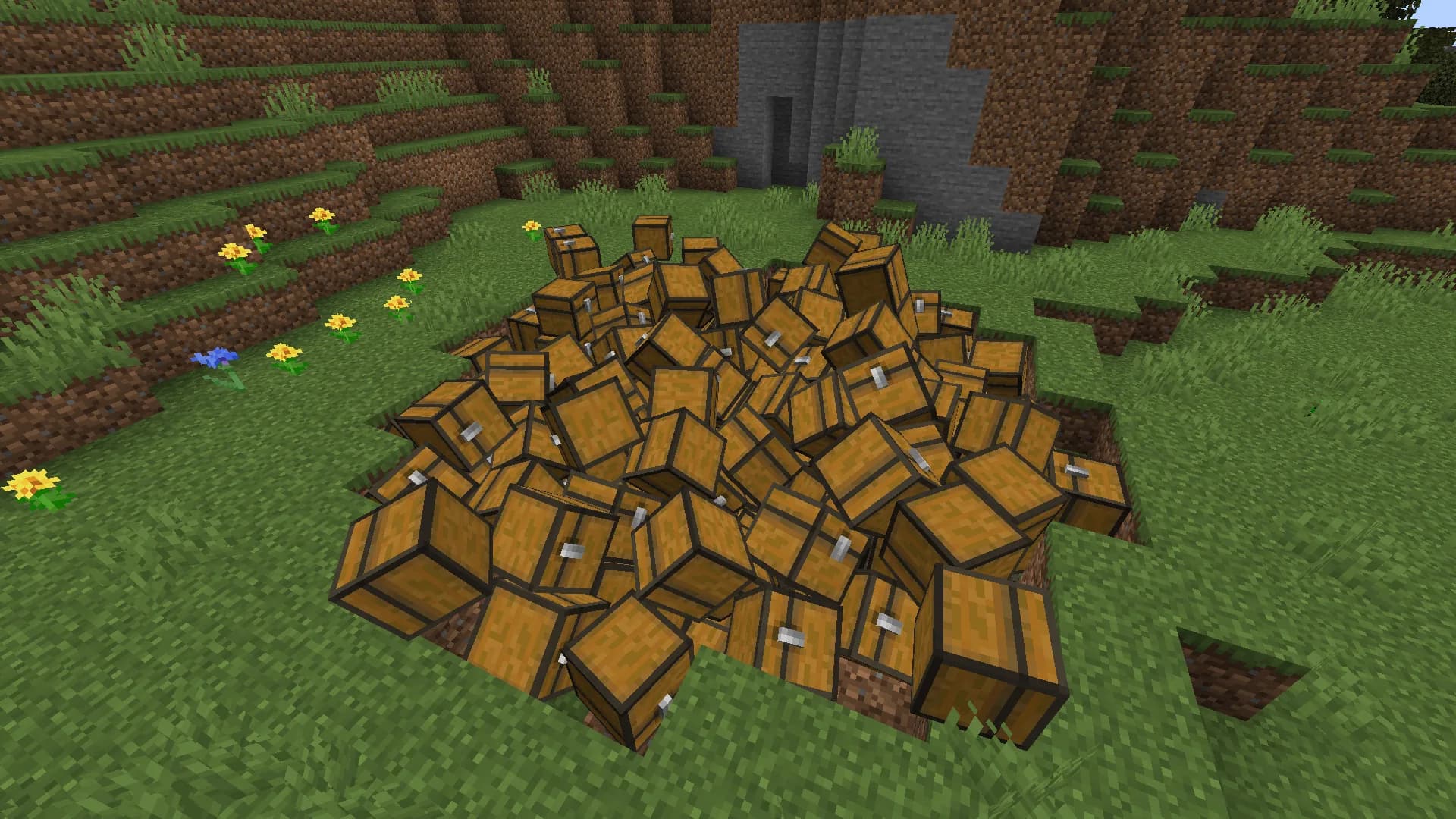
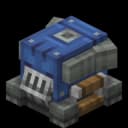
Portable Engine
Compact, relocatable power — drop it in to drive a contraption anywhere.
Code the machine
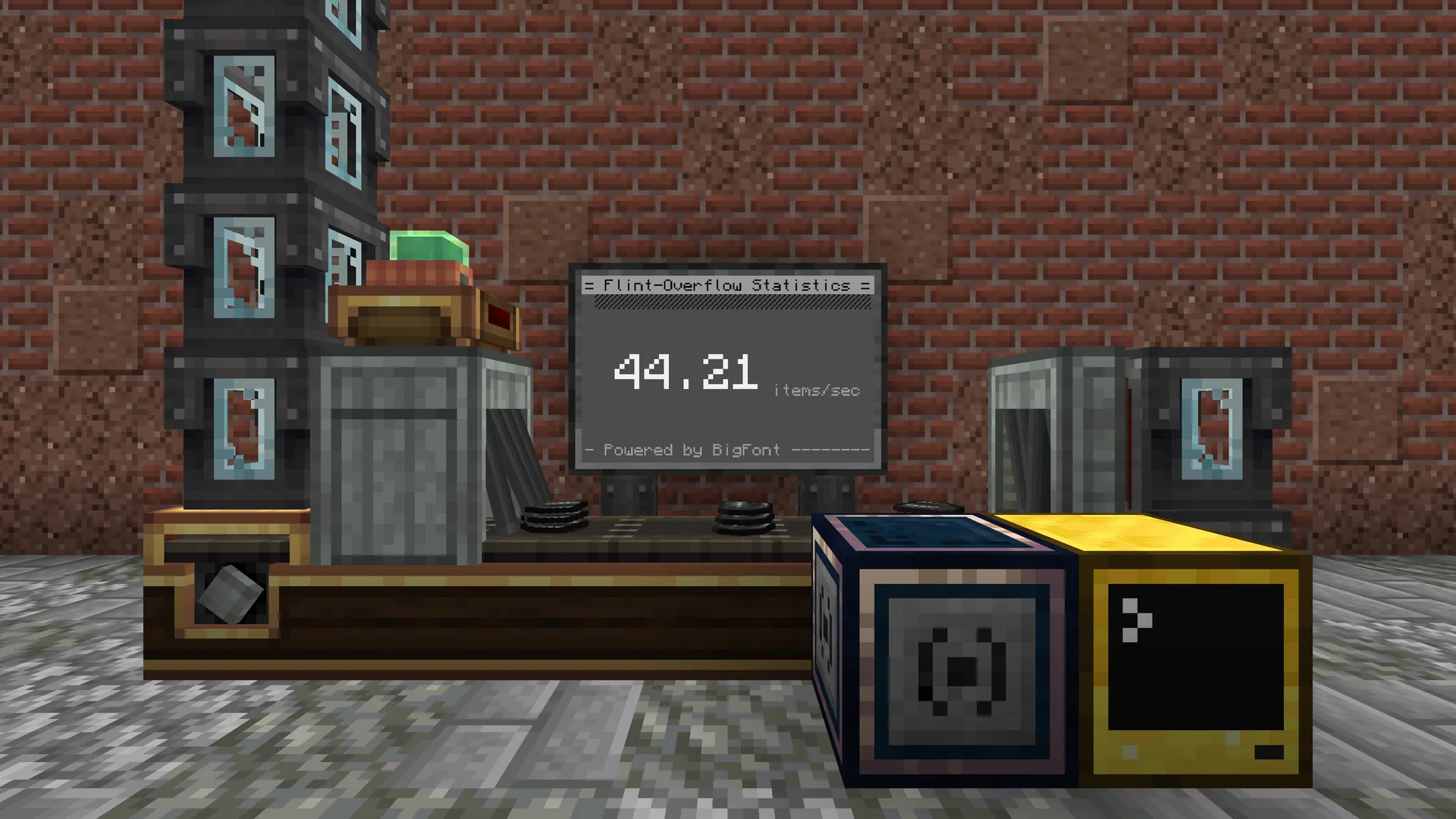
CC: Tweaked drops real computers into the world. CC:C Bridge wires them to Create, Avionics lets them fly airships, and KubeJS reshapes the pack’s own recipes. Automate anything.
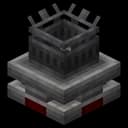
Adjustable Burner
Tunable heat source for cooking, smelting and fueling the network.
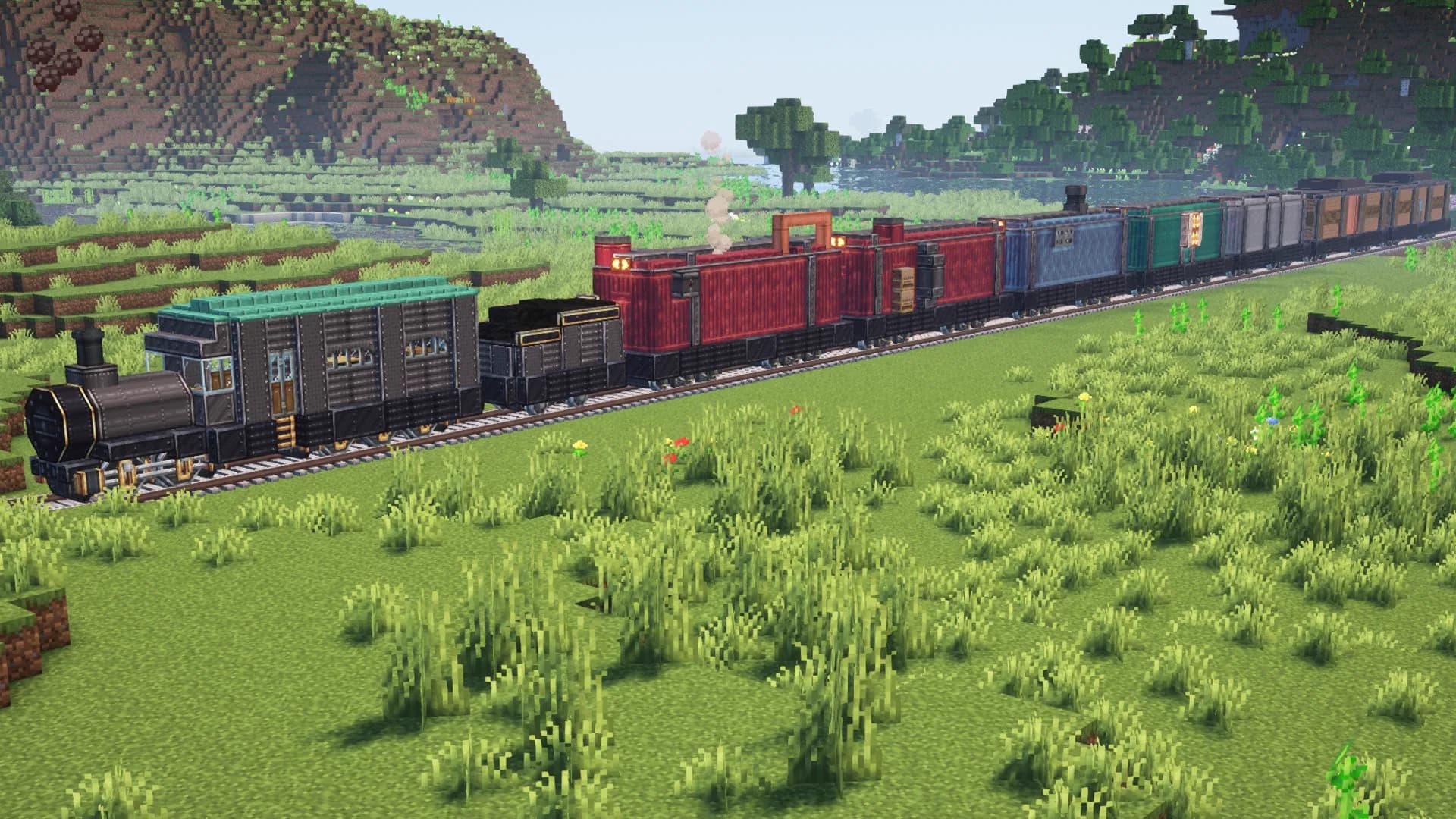
Trains, tubes & maps
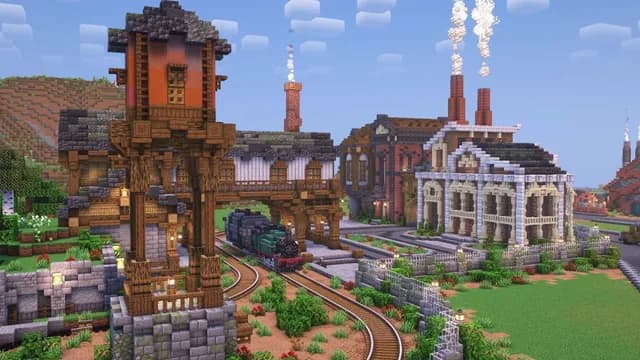
Cross the void on Steam ’n’ Rails lines, blast through Hypertubes, and keep your bearings with the Diorama map and Create Railways Navigator.
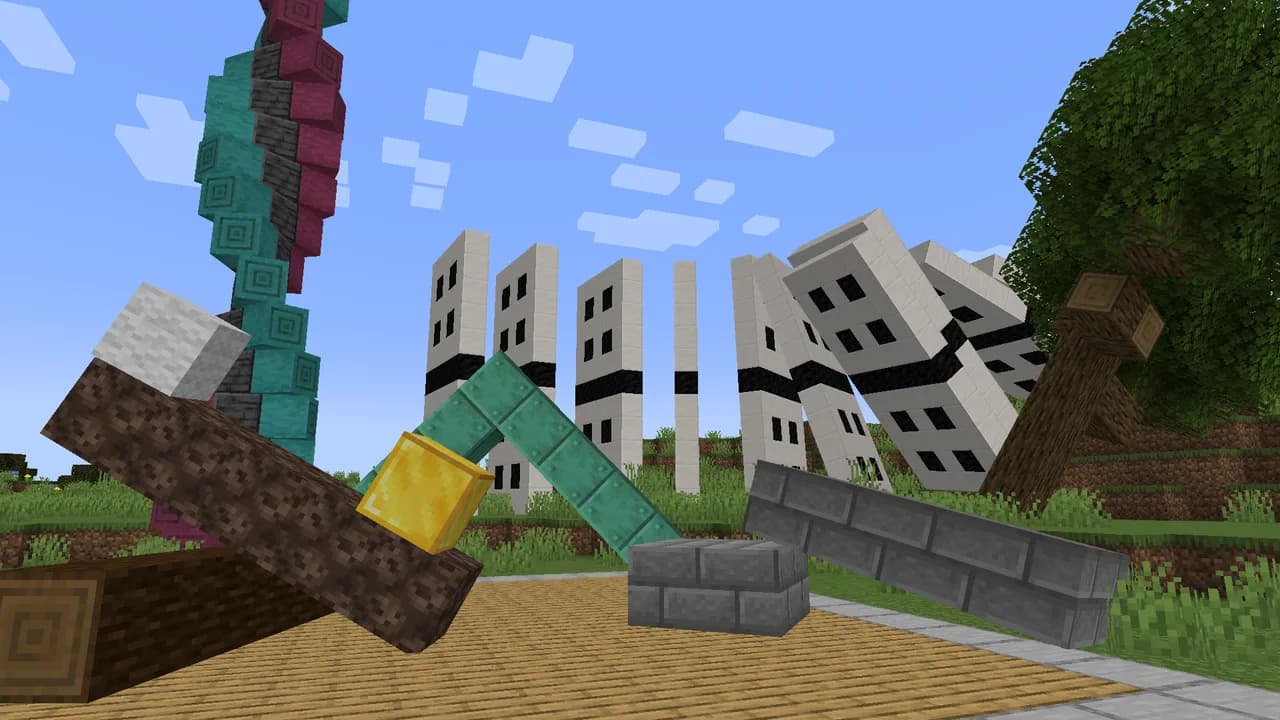
Everything has weight
Sable runs an actual rigid-body simulation on block structures. Stack it badly and it topples; cut a support and it falls. Your airships obey the same rules — which is exactly why building one feels earned.
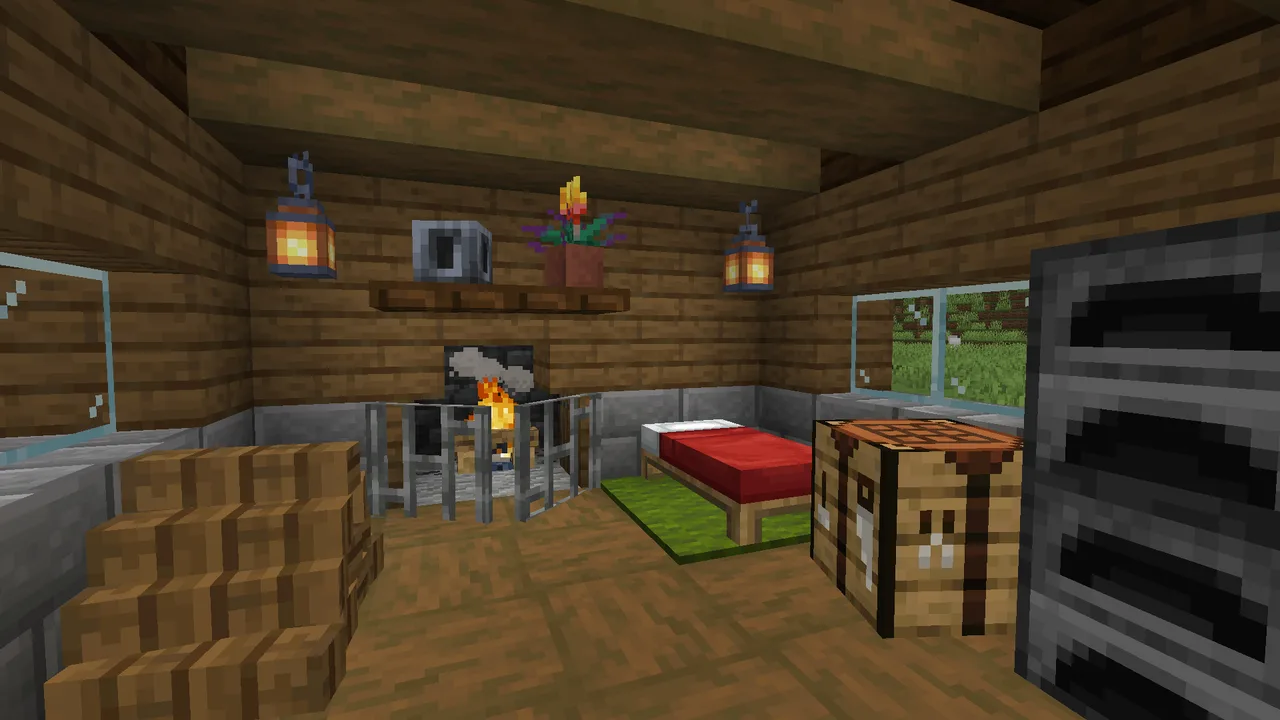
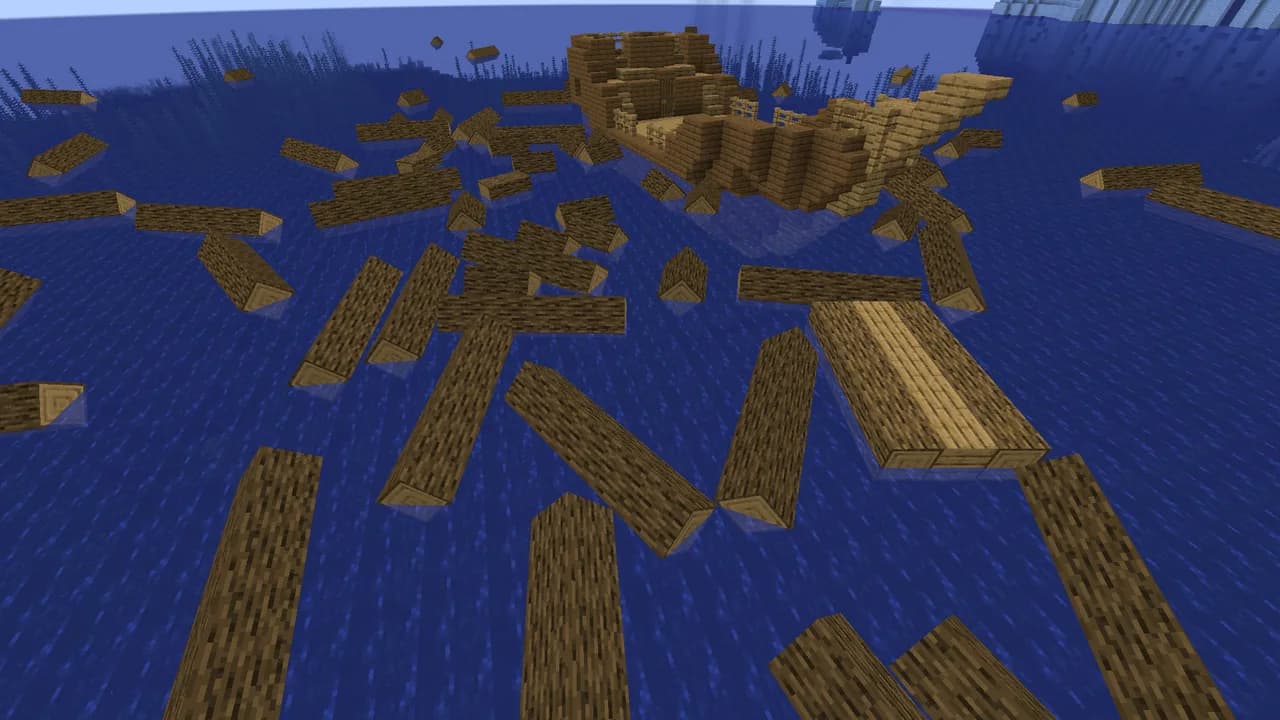
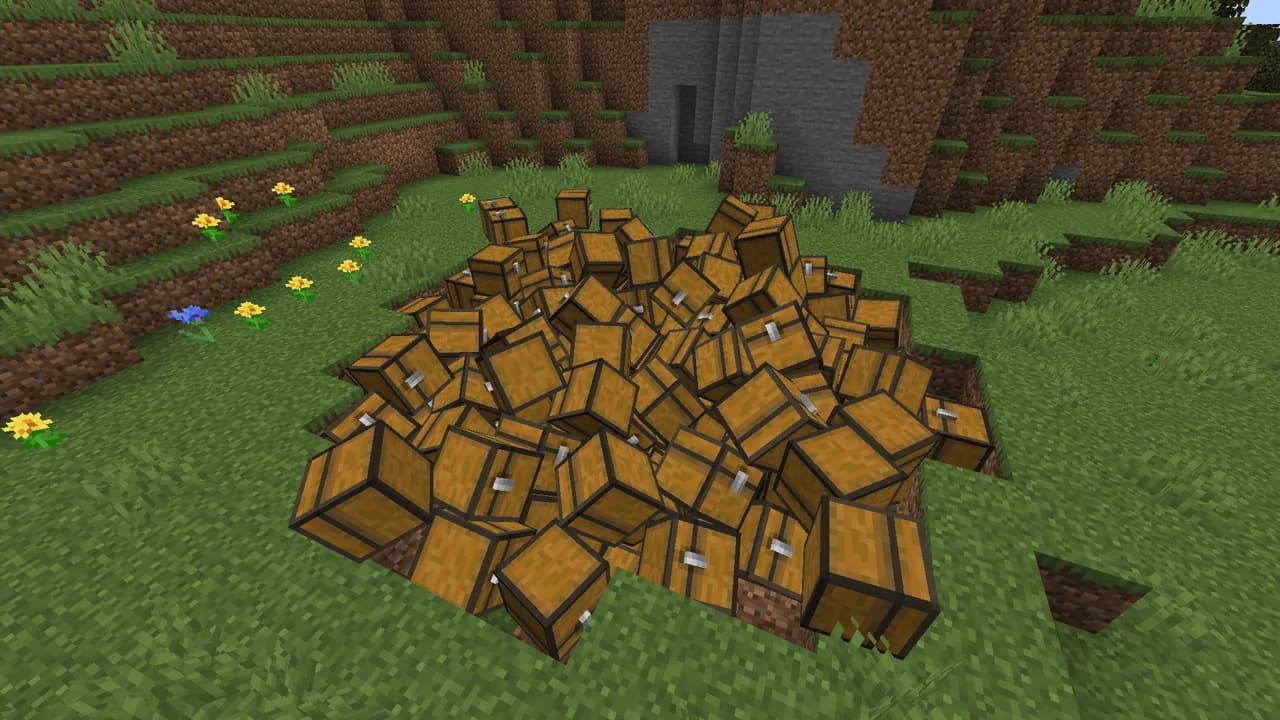
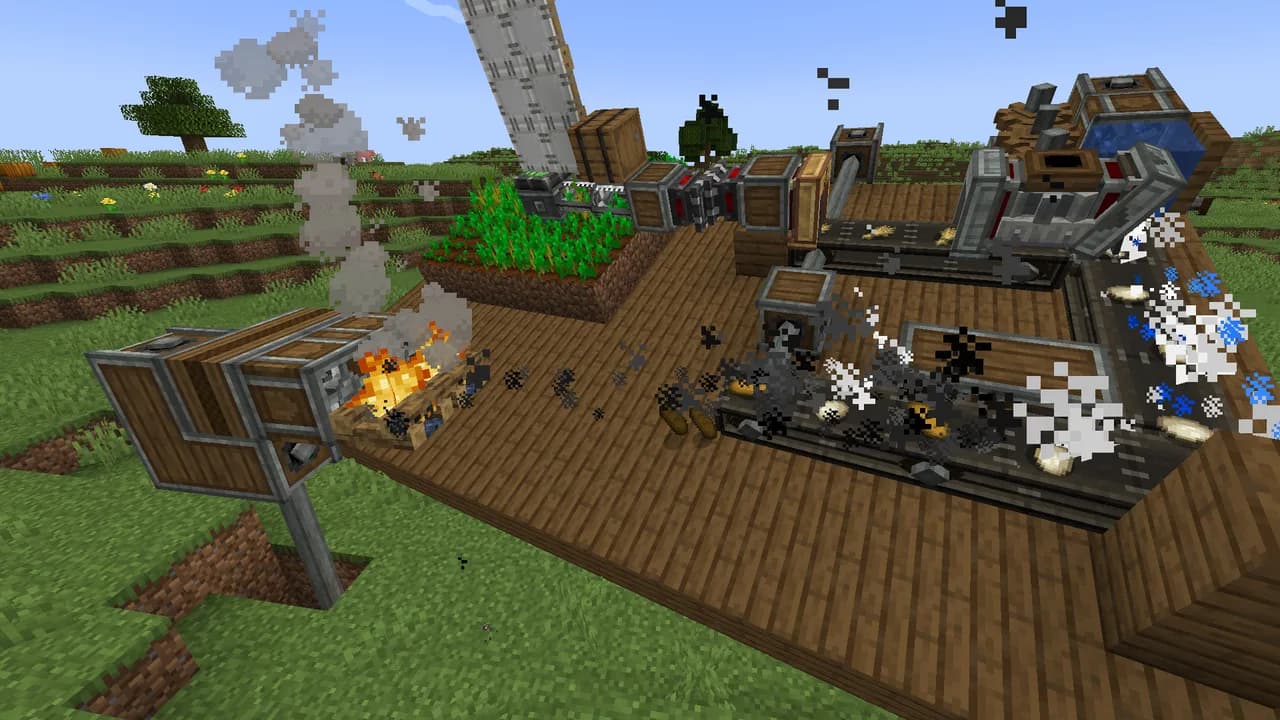
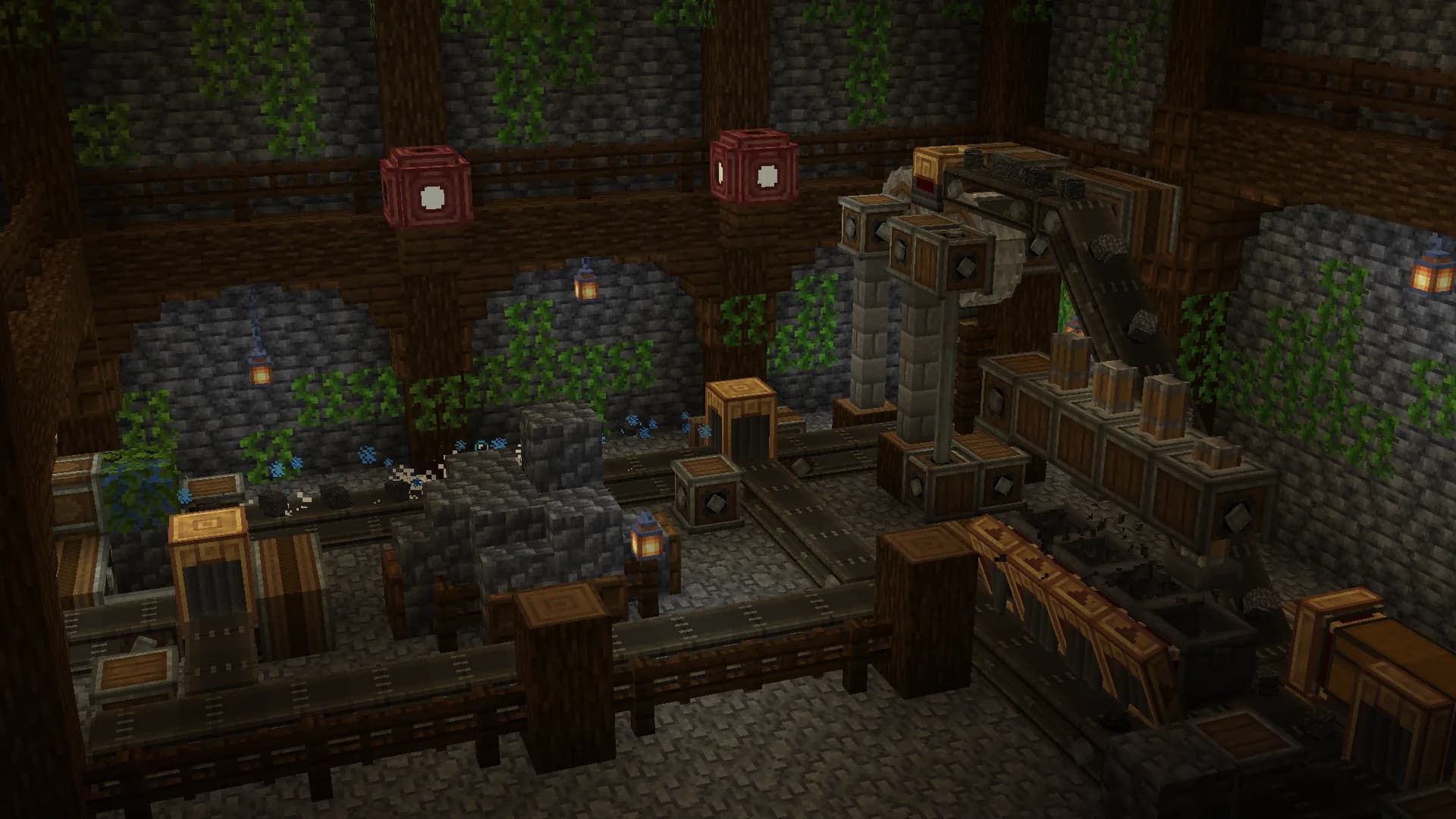
The Create Galaxy
Create is the hub; ~35 addons orbit it.
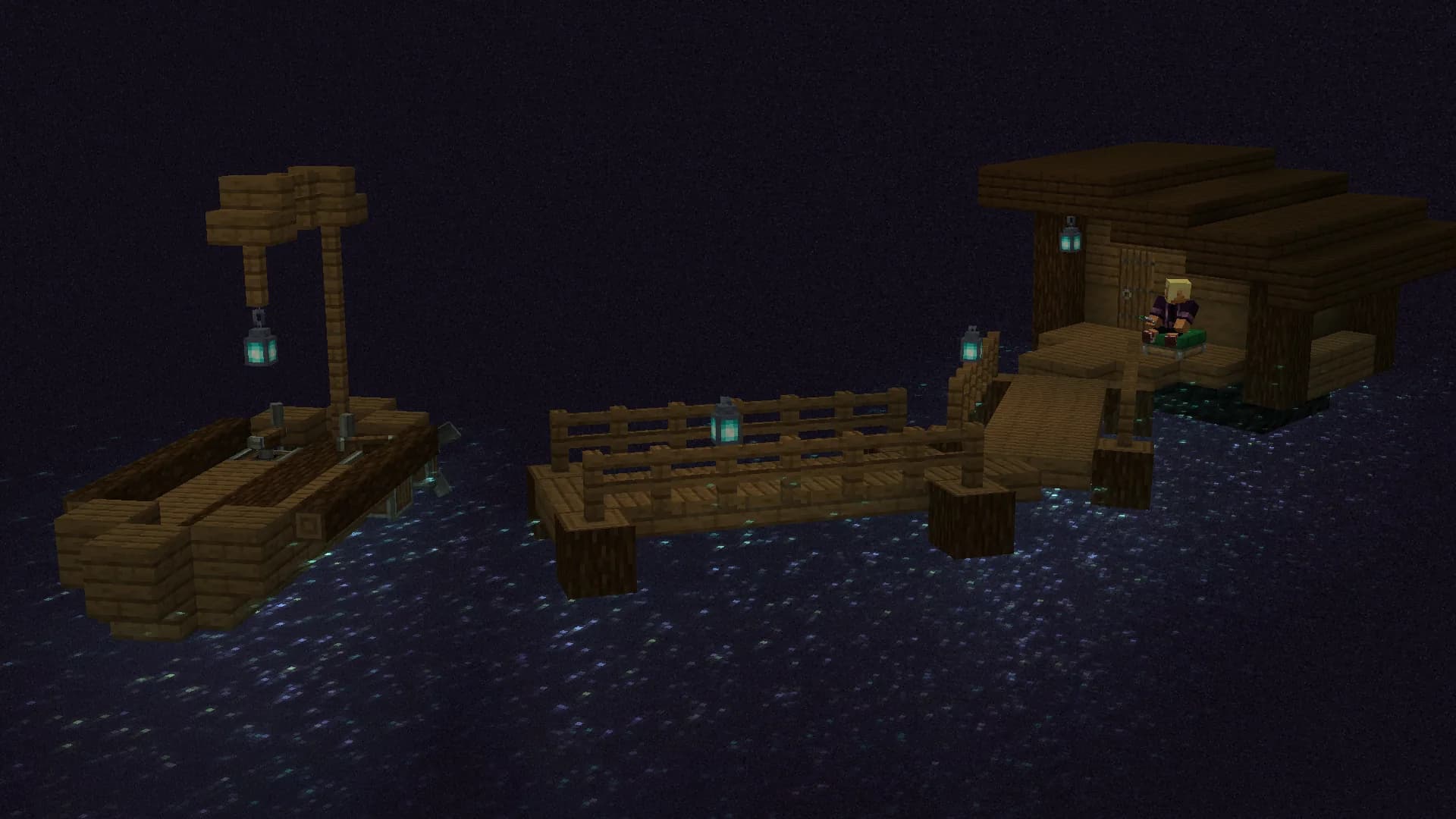
The Sky World
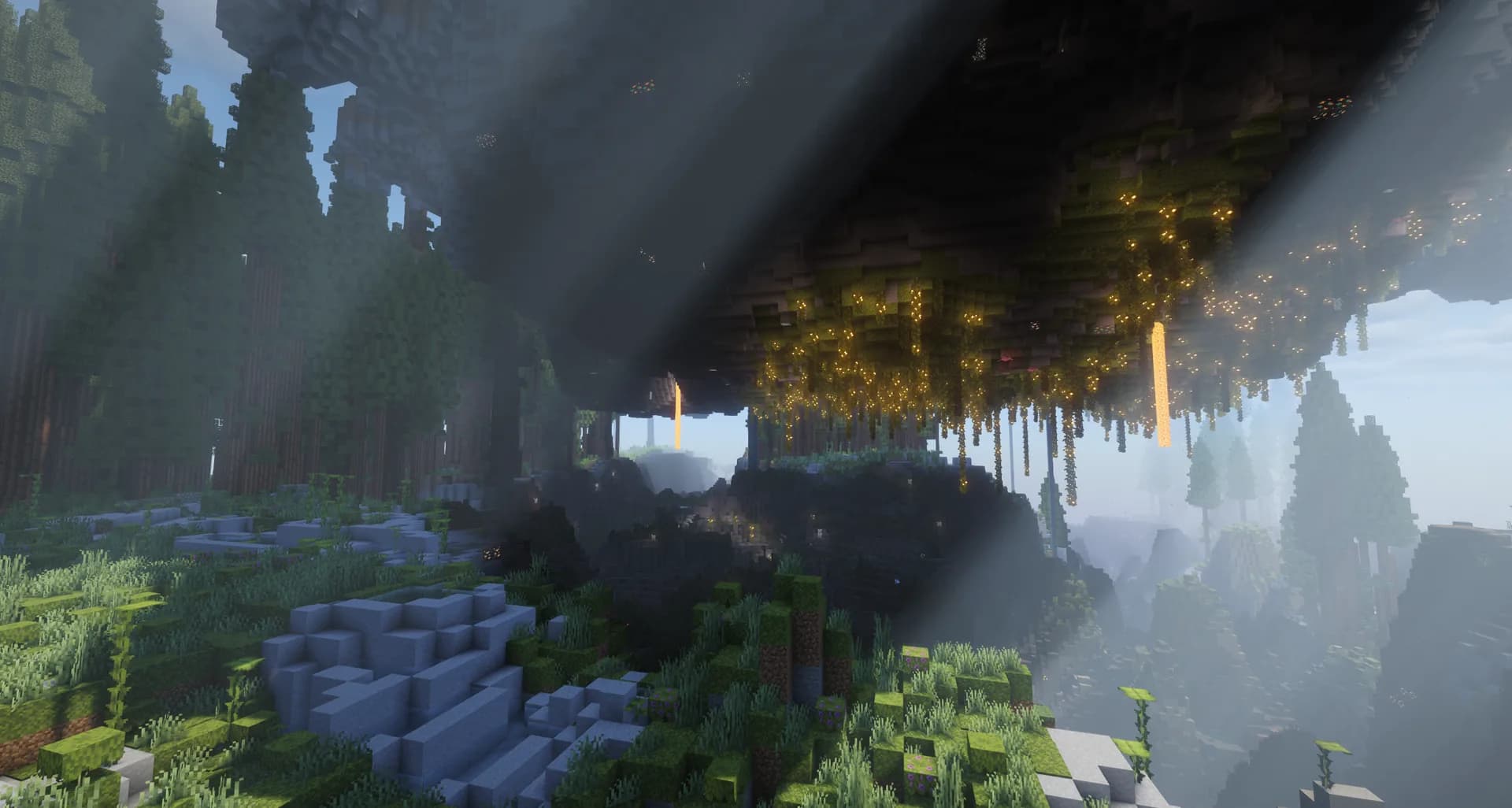
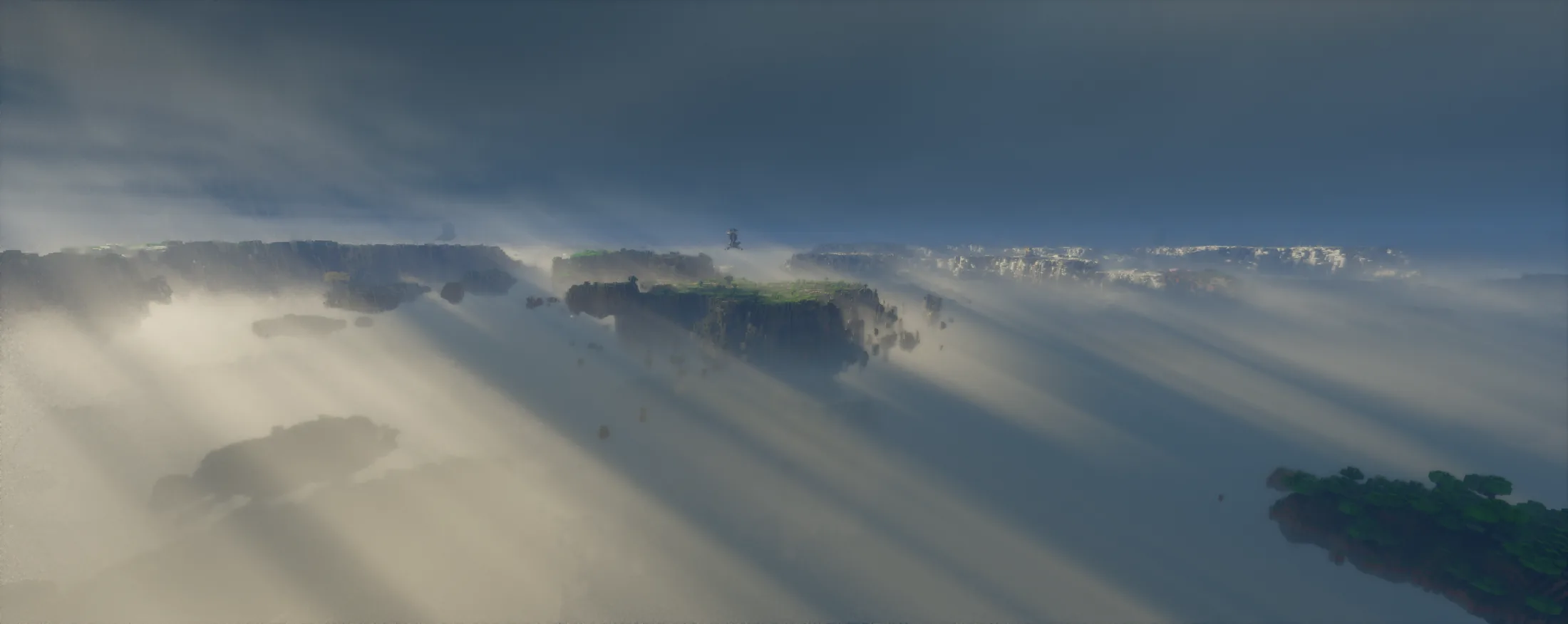
Floating islands, roads and structures over a void.
Sights & Sound
Shaders, audio and ambience for the long haul.
Every key worth knowing
Hover any coloured key to see what it does.
Grey caps are vanilla or unbound — the ones marked free are yours to claim. Minecraft stores binds by physical key position, so a US-layout board has the same keys under the same fingers.
Tips, facts & gotchas
The handful of things worth knowing before you dive in.
Shaders ship OFF by default
The render stack is version-locked (the “Sodium 0.8 saga”). Don’t hand-update Sodium or Iris — turn shaders on in Video Settings when you want them.
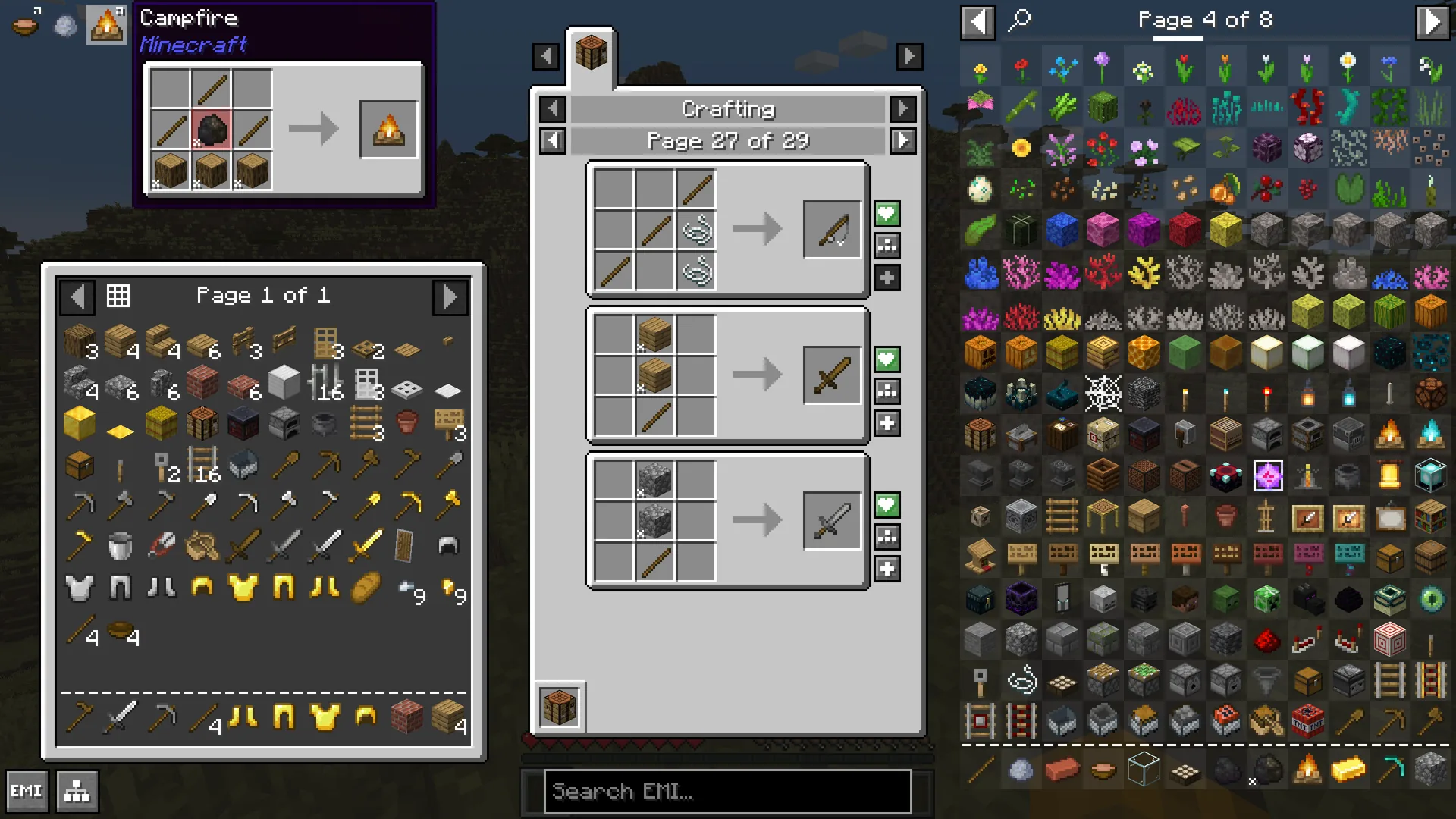
EMI is your manual
Hover an item and press the recipe key. EMI shows recipes, loot and enchanting — faster than asking in chat.
Proximity voice is installed
Simple Voice Chat is built in. Walk up to a friend and just talk — great for co-piloting an airship.
Wikis, docs & resources
Official docs for the tentpole mods — better than a bare Modrinth page.
Download & versions
Grab the latest release below. Whitelisted members only.
Aero Tofu
NeoForge modpack for Minecraft 1.21.1. Releases and source are hosted on GitHub.
Game Versions
Loaders
Changelog
Note: Release Candidate 2. This is likely to become 1.0.0. Changes are against 1.0.0-rc1.
Updating
- Client and server need the same Aero Tofu build (1.4.8).
- Updating resets shaders and video settings to the pack's values. Keybinds, worlds and map waypoints are kept.
- Server operators: wipe mods/ before deploying. No new world required.
Added
- New Tab list with player, death and record pages. Hold Tab and scroll to change page.
- Saved skins, used when Mojang's session server fails.
- Death apparition for dying to bees, drowning or the world border.
- Discord: /stats, /leaderboard and an optional weekly recap.
- BlueMap: rail lines, stations, trains and the Murk.
Removed
- Create BlueMap (replaced by the Aero Tofu rail script)
Updated
- Aero Tofu 1.4.2 -> 1.4.8
- Diorama (new build)
Changed
- Discord links in game chat show a short clickable label.
- Server list is only copied on first install, so added servers are kept.
- Diorama: new settings tab with live previews.
- BlueMap: restyled to match the website.
Fixed
- Players could not join a dedicated server because of Inventory Tweaks: ReFoxed.
- Giving up in the Death Ragdoll could cause endless dying.
- Players below the Murk were not hidden on BlueMap.
- Schematic Table screen disappearing under shaders.
Known issues
- Under shaders, the Schematic Table 3D preview stays blank for some schematics.
- A player seen for the first time can still get a default skin while Mojang's session server is failing.